
Invite your team
Add people to your organisation, choose what they can see and change, and understand what a seat is on your plan.
Boetbook is priced per business, not per person, so inviting your team costs nothing extra up to your plan’s seat limit. Free includes two seats, Professional twenty-five, and Max a hundred.
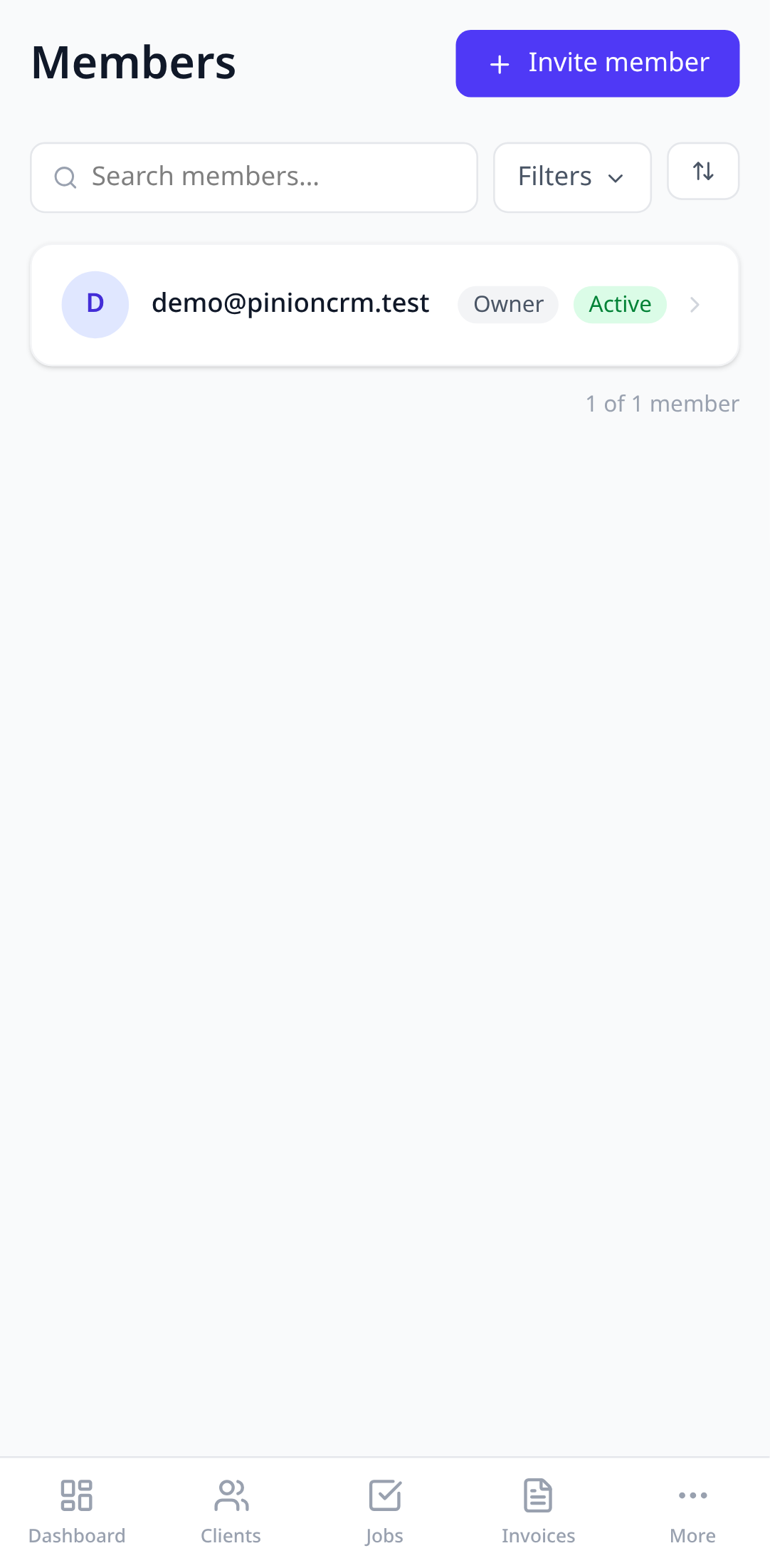
1. Open Members
Tap More in the bottom bar, then Members. You’ll see everyone in the organisation and their role.
2. Send an invite
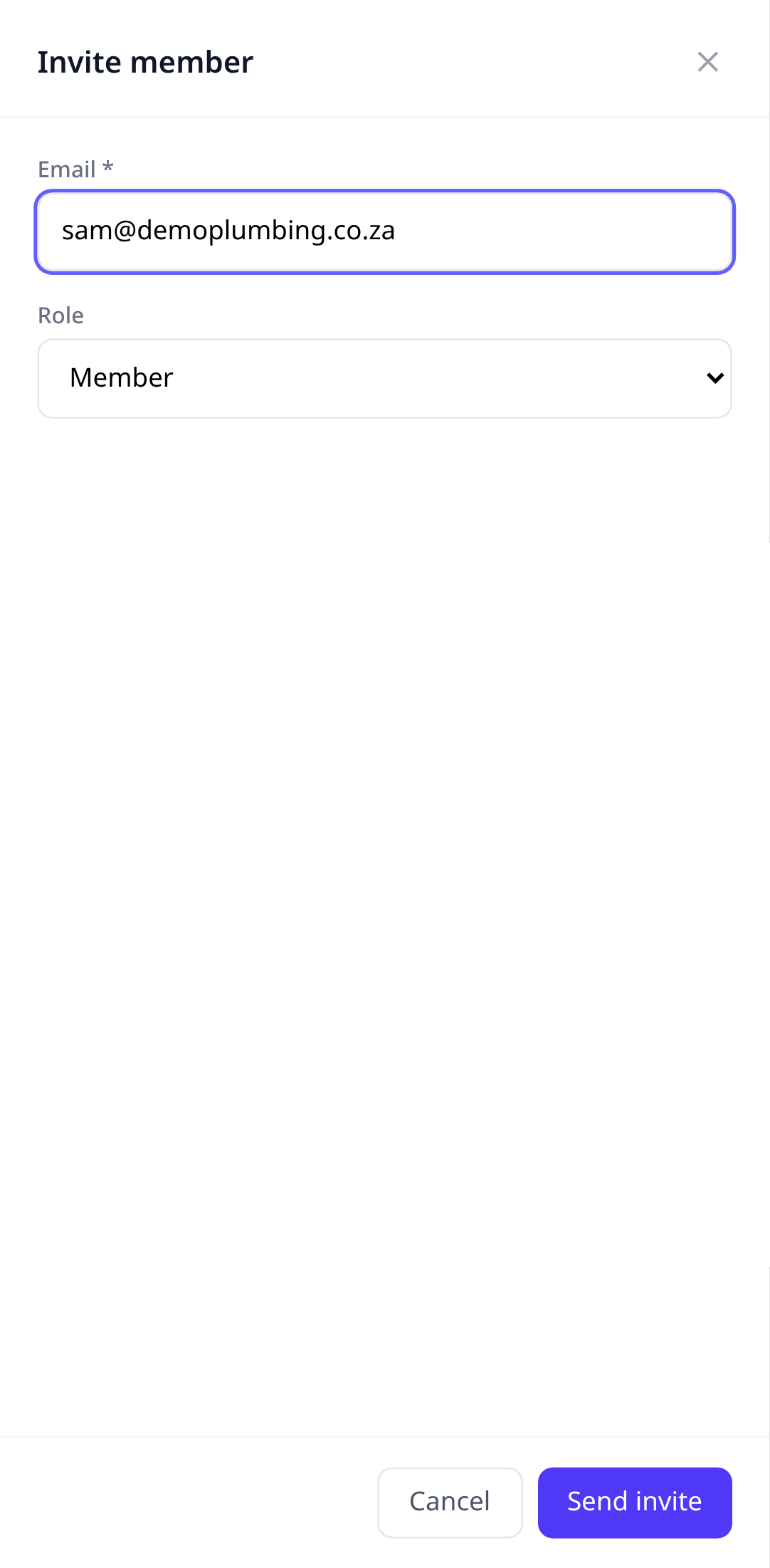
Tap Invite member, enter their email, and pick a role. Boetbook doesn’t email them, so let them know. They sign up (or sign in) with that same email, tap Join an existing business, then Check for invites, and Accept. Until they accept, the invite shows under Sent invites and still counts as a seat.
3. Roles
The default roles cover most teams:
- Owner can do everything, including billing and deleting the organisation.
- Manager can change anything except billing.
- Member can create and edit jobs, clients, and documents.
- Viewer can see everything and change nothing.
On the Max plan you can create custom roles and choose exactly which modules each one can see and edit.
What a seat is
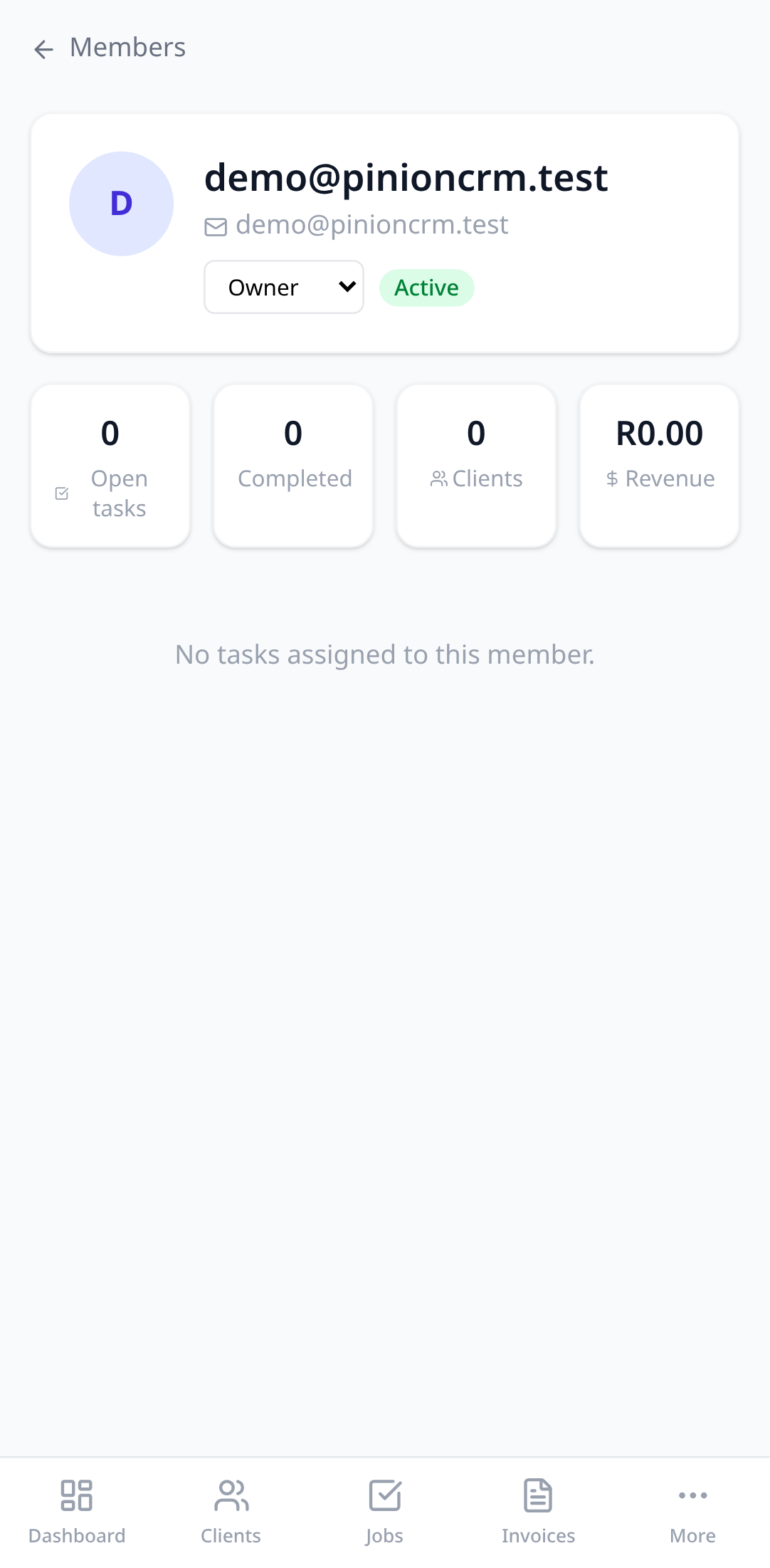
A seat is anyone in the organisation, including you, plus any invitation you’ve sent that hasn’t been accepted. If you’re over the limit after a downgrade, the newest members become view-only rather than being removed. Nobody is ever deleted because of a plan change.
Try it in your own account.
Free to start, no card. Set-up takes minutes, not weeks.